
 EN
EN



Features
Align Polygon Mesh Data Coordinates (spAlign, AE-Deform)
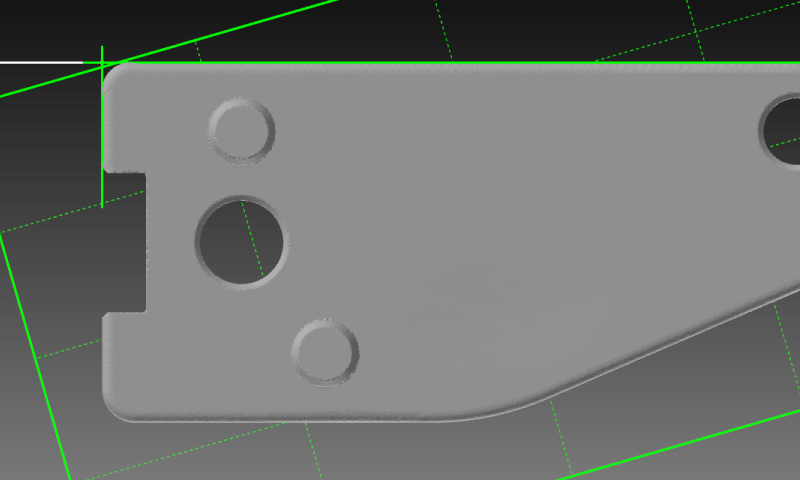
Using spAlign, a software program included with spScan, you can perform the functions ‘Align CAD Data and Polygon Mesh Data’ and ‘Align Polygon Mesh Data Only’.
Align CAD data and polygon mesh data
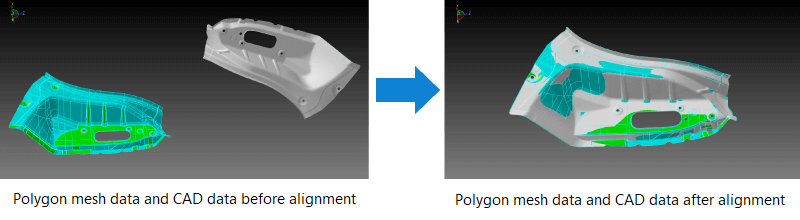
If the polygon mesh data and CAD data are displayed using different coordinate systems, alignment of the polygon mesh data and CAD data needs to be performed.
How to align to CAD data
- Rough alignment
- Alignment that minimizes the sum of differences between the polygon mesh data and the CAD data (e.g. best fit)
- Advanced alignment
- Alignment with constraint conditions on the specific CAD elements (holes, planes, cylinders, lines, points, etc.)
Align polygon mesh data and polygon mesh data
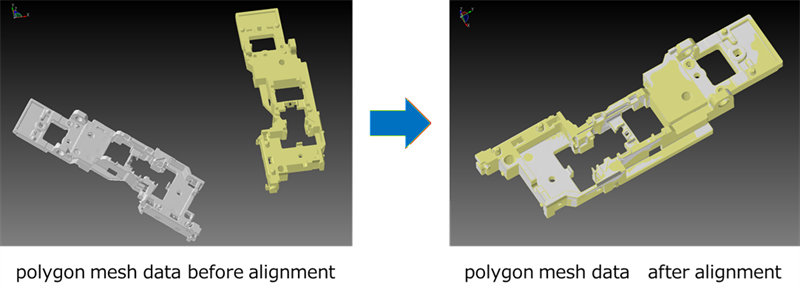
You can also align polygon mesh data with other polygon mesh data.
- Rough alignment
Alignment that minimizes the sum of differences between polygon mesh data and polygon mesh data (e.g. best fit).
- Advanced alignment
Geometric shapes (planes, cylinders, lines, and points) are extracted from the polygon mesh data to be used as references for alignment.
Align polygon mesh data only
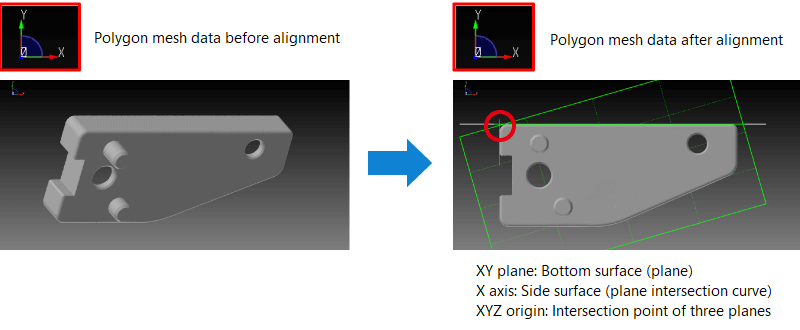
It is possible to align polygon mesh data only.
Alignment can be performed by extracting geometric shapes (planes, cylinders, lines, and points) from the polygon mesh data to use as alignment references.
tag : Alignment